How to Make Your Internet Faster at Home (Complete Guide)
Slow internet can be incredibly frustrating. Whether you’re trying to stream videos, work from home, play games, or browse the web, a weak or unstable connection can ruin your experience.
The good news? You don’t always need to upgrade your internet plan to get better speed.
In many cases, slow internet is caused by simple issues like poor WiFi placement, outdated equipment, or too many connected devices. With a few adjustments, you can significantly improve your internet speed at home.
In this guide, we’ll show you practical, easy-to-follow tips to make your internet faster and more reliable.

Why Is Your Internet Slow?
Before fixing the issue, it’s important to understand what might be causing it.
Common reasons include:
- Weak WiFi signal
- Too many devices connected
- Router placement issues
- Outdated router or firmware
- Background downloads or updates
- Internet provider limitations
Identifying the cause will help you choose the right solution.
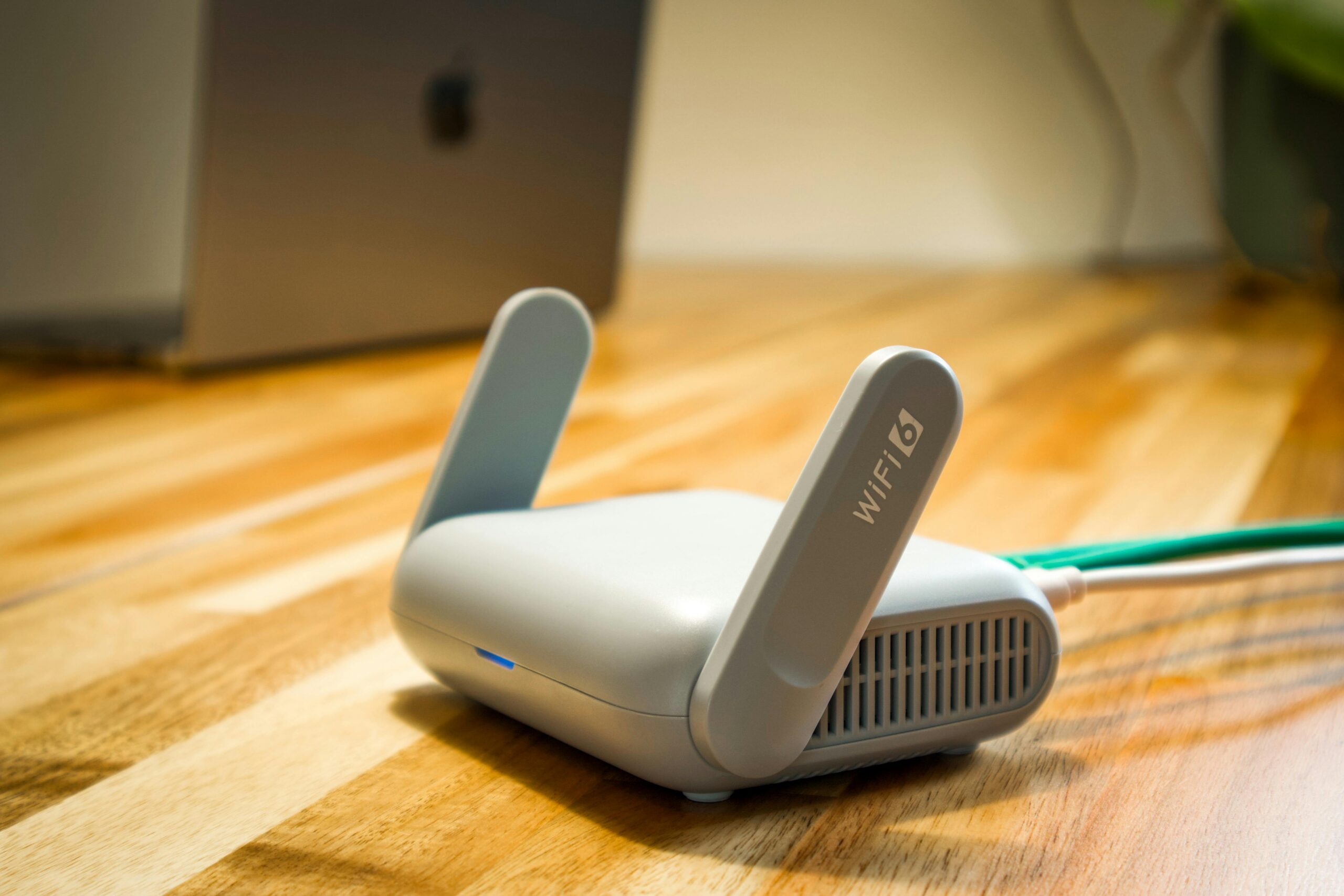
✔ 1. Move Your Router to a Better Location
Router placement has a huge impact on your WiFi speed.
👉 Place your router:
- In a central location
- Away from walls and obstacles
- Elevated (not on the floor)
Avoid placing it near:
- Metal objects
- Microwaves
- Thick walls
Better positioning = stronger signal.
✔ 2. Restart Your Router
It sounds simple, but it works.
Restarting your router clears temporary issues and refreshes your connection.
👉 Turn it off
👉 Wait 30 seconds
👉 Turn it back on
This can instantly improve performance.
✔ 3. Limit Connected Devices
Too many devices using your network at the same time can slow everything down.
👉 Disconnect unused devices
👉 Pause downloads on other devices
👉 Limit streaming on multiple devices
Less traffic = faster speeds.
✔ 4. Update Your Router Firmware
Outdated firmware can cause slow speeds and connection problems.
Check your router settings and update it regularly.
You can find guidance on trusted sources like Google to ensure your network settings are optimized.
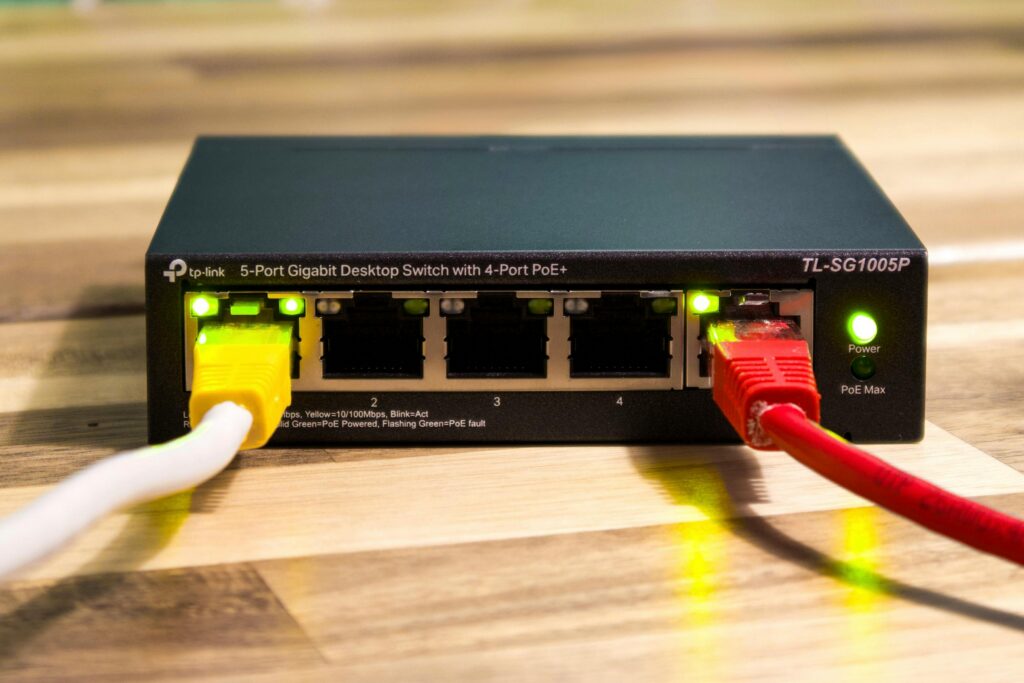
✔ 5. Use a Wired Connection (Ethernet)
WiFi is convenient, but not always the fastest.
For the best speed:
👉 Use an Ethernet cable
This provides:
- More stable connection
- Faster speeds
- Lower latency
Especially useful for gaming and work.
✔ 6. Change Your WiFi Channel
If you live in an apartment or crowded area, nearby networks can interfere with your signal.
👉 Log into your router
👉 Change the WiFi channel
This can reduce interference and improve speed.
✔ 7. Upgrade Your Router
Older routers can limit your internet speed.
If your router is more than 4–5 years old, consider upgrading.
Modern routers offer:
- Better range
- Faster speeds
- Improved stability
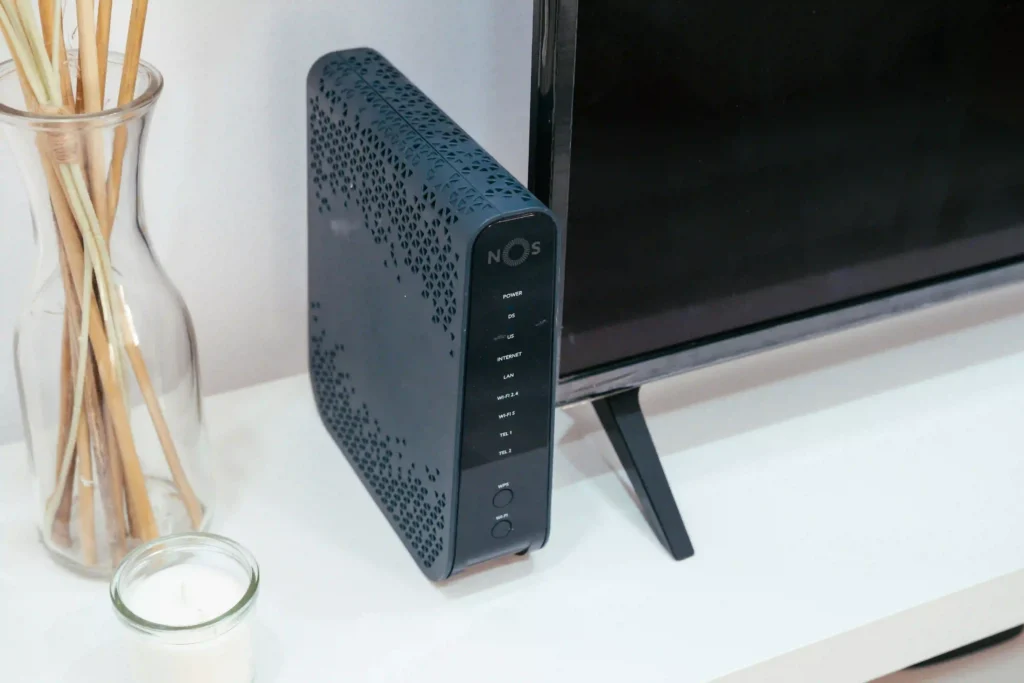
✔ 8. Use a WiFi Extender or Mesh System
If your home has weak signal areas:
👉 Use a WiFi extender or mesh system
This helps:
- Improve coverage
- Eliminate dead zones
- Provide stable connections throughout your home
✔ 9. Close Background Apps and Downloads
Apps running in the background can use bandwidth without you noticing.
👉 Close unnecessary apps
👉 Pause downloads
👉 Check for automatic updates
This frees up internet speed instantly.
✔ 10. Check Your Internet Plan
Sometimes the issue isn’t your setup — it’s your plan.
👉 Contact your internet provider
👉 Check your current speed
👉 Upgrade if necessary
Make sure your plan matches your usage needs.
Extra Tips to Improve Internet Speed
- Keep your router updated
- Restart it occasionally
- Use strong passwords to prevent unauthorized access
- Place your router in an open space
- Monitor connected devices
When Should You Contact Your Internet Provider?
If your internet is still slow after trying everything:
- You may have line issues
- Your provider may be throttling speed
- There could be network outages
In this case, contact your ISP for support.

Final Thoughts
Slow internet can often be fixed without spending money.
By optimizing your setup, adjusting your router, and managing your devices, you can significantly improve your internet speed at home.
Start with the simple fixes and work your way through the list — you’ll likely notice a big difference.
Explore More Guides
Looking to improve your overall tech performance?
Check out our other guides on speeding up your computer, fixing WiFi issues, and improving your digital experience.