A slow computer can be frustrating. Tasks that should take seconds suddenly take minutes, and even simple actions feel delayed. It’s no surprise that many users start asking, ‘Why is my computer slow?’
The good news is that a slow computer is usually caused by common issues that can be identified and improved without needing to replace your device.
In this guide, we’ll explain why your computer might be slow and what you can do to fix it, helping you improve performance and speed.
For more expert tips, in-depth guides, and the latest tech advice, visit our homepage. Discover how to optimize your devices, fix common issues, and keep your computer running at its best.
1. Too Many Programs Running
One of the most common answers to the question ‘Why is my computer slow?’ is having too many programs running at the same time.
Each application uses system resources like memory and processing power. When too many are active, your computer struggles to keep up.
👉 Try to:
- Close programs you’re not using
- Limit background applications
- Restart your computer regularly
Managing active programs can significantly improve performance and speed.
2. Not Enough RAM (Memory)
RAM is essential for smooth performance.
If your computer doesn’t have enough memory, it will slow down when multitasking or running heavier programs.
Signs of low RAM:
- Freezing or lagging
- Slow switching between apps
- Delays when opening programs
Upgrading your RAM can make a big difference.
3. Old or Slow Storage (HDD vs SSD)
The type of storage you use affects speed more than many people realize.
- HDD (older drives) are slower
- SSD (modern drives) are much faster
If your computer still uses an HDD, upgrading to an SSD can significantly improve performance.
4. Too Many Startup Programs
Another common reason behind the question ‘Why is my computer slow?’ is having too many startup programs.
Some programs automatically start when your computer turns on, which can significantly slow down boot time and overall system performance.
👉 You can:
- Disable unnecessary startup apps
- Keep only essential programs
By reducing startup programs, you can make your computer start faster and run much smoother.
5. Outdated Software or Operating System
Another common answer to the question ‘Why is my computer slow?’ is running outdated software or an outdated operating system.
Outdated systems can cause performance issues and compatibility problems. Older software may not support newer applications efficiently, which can make your computer slower over time.
Keeping your operating system and software up to date is essential to improve speed, stability, and security.
6. Background Processes and Updates
Your computer may be running updates or background tasks without you noticing.
These can use resources and slow down performance temporarily.
Check:
- System updates
- Background apps
- Automatic processes
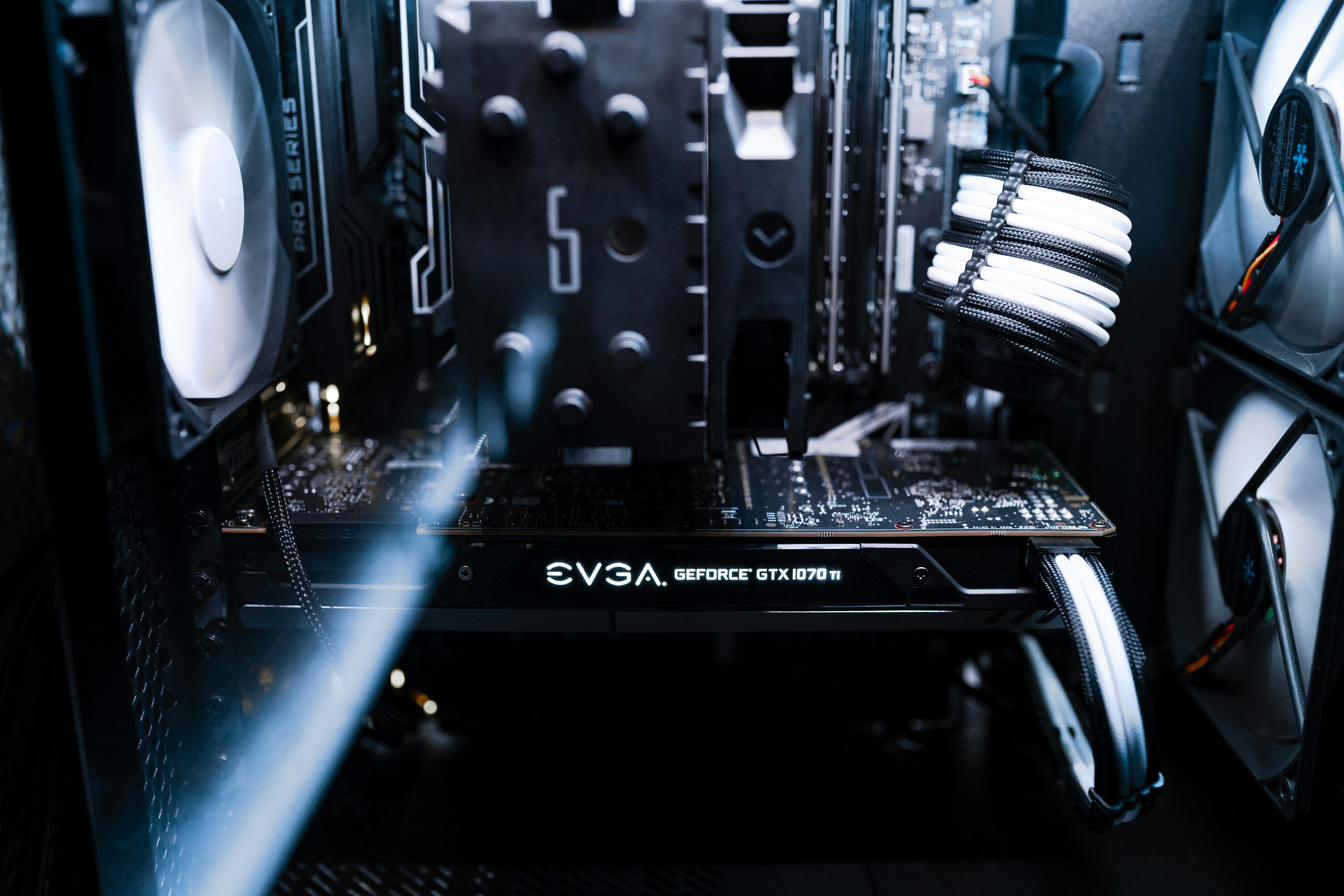
7. Overheating Issues
If you’re asking ‘Why is my computer slow?’, overheating could be one of the main reasons.
Heat can significantly affect performance. When your computer gets too hot, it automatically slows down to protect its internal components, which results in reduced speed and responsiveness.
Common causes include:
- Dust buildup
- Poor ventilation
- Heavy usage
Keeping your device clean and well-ventilated helps maintain optimal performance and prevents slowdowns caused by overheating.
8. Too Many Files and Clutter
A cluttered system can slow things down.
Over time, your computer collects:
- Temporary files
- Old downloads
- Unused programs
Cleaning up your system can improve speed and responsiveness.
9. Malware or Unwanted Software
If you’re wondering ‘Why is my computer slow?’, malware or unwanted software could be the cause.
Malicious programs can seriously impact performance by using system resources in the background without your knowledge.
Signs include:
- Sudden slowdowns
- Pop-ups
- Unknown programs running
Running a security scan can help identify and remove these threats, improving both performance and system security.
To further protect your system and improve performance, explore our software category. There you’ll find useful tools, security tips, and guides to help you detect, remove, and prevent malware and unwanted software.
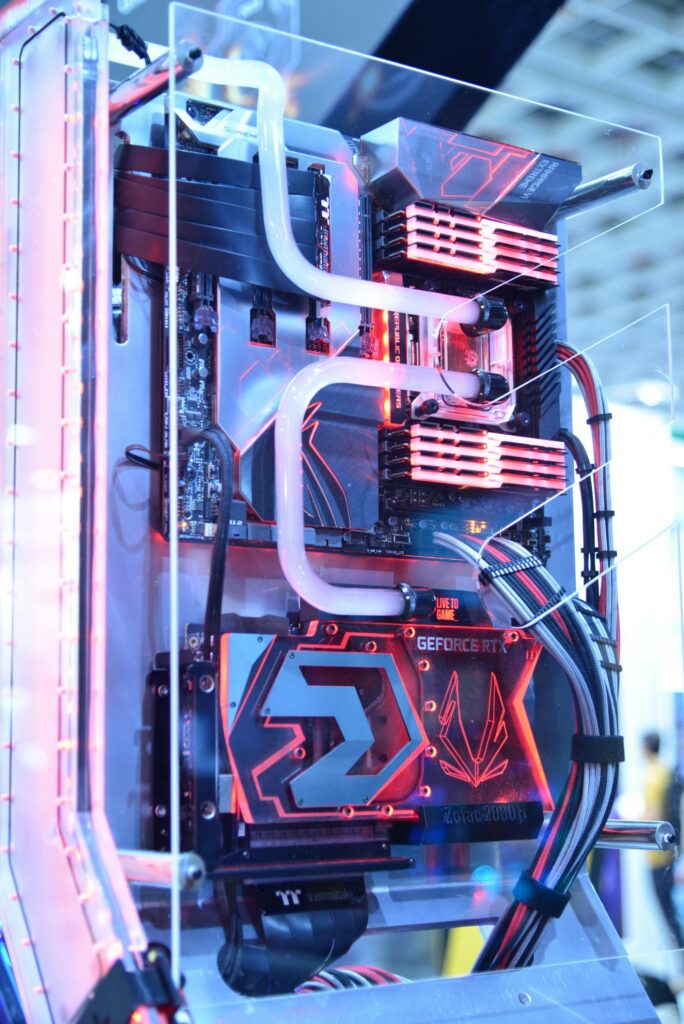
10. Aging Hardware
If you’re still asking ‘Why is my computer slow?’, aging hardware may be the main reason.
If your computer is several years old, its hardware may struggle to keep up with modern software and tasks. Technology evolves quickly, and older devices often lack the power needed for today’s demands.
In some cases, upgrading or replacing your device is the best solution to improve performance.
👉 If you’re considering an upgrade, it’s important to choose the right device based on your needs to ensure better speed, efficiency, and long-term performance.
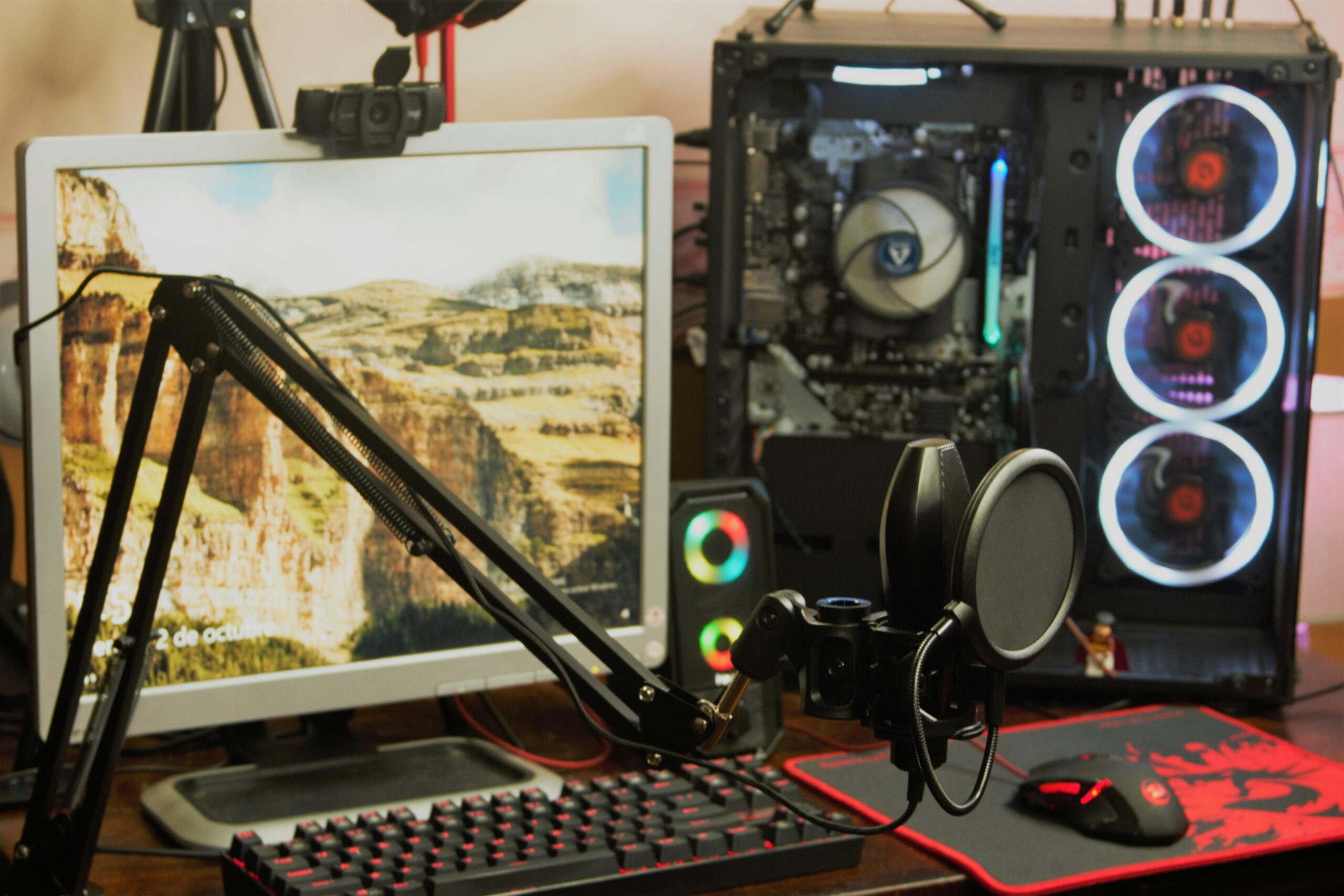
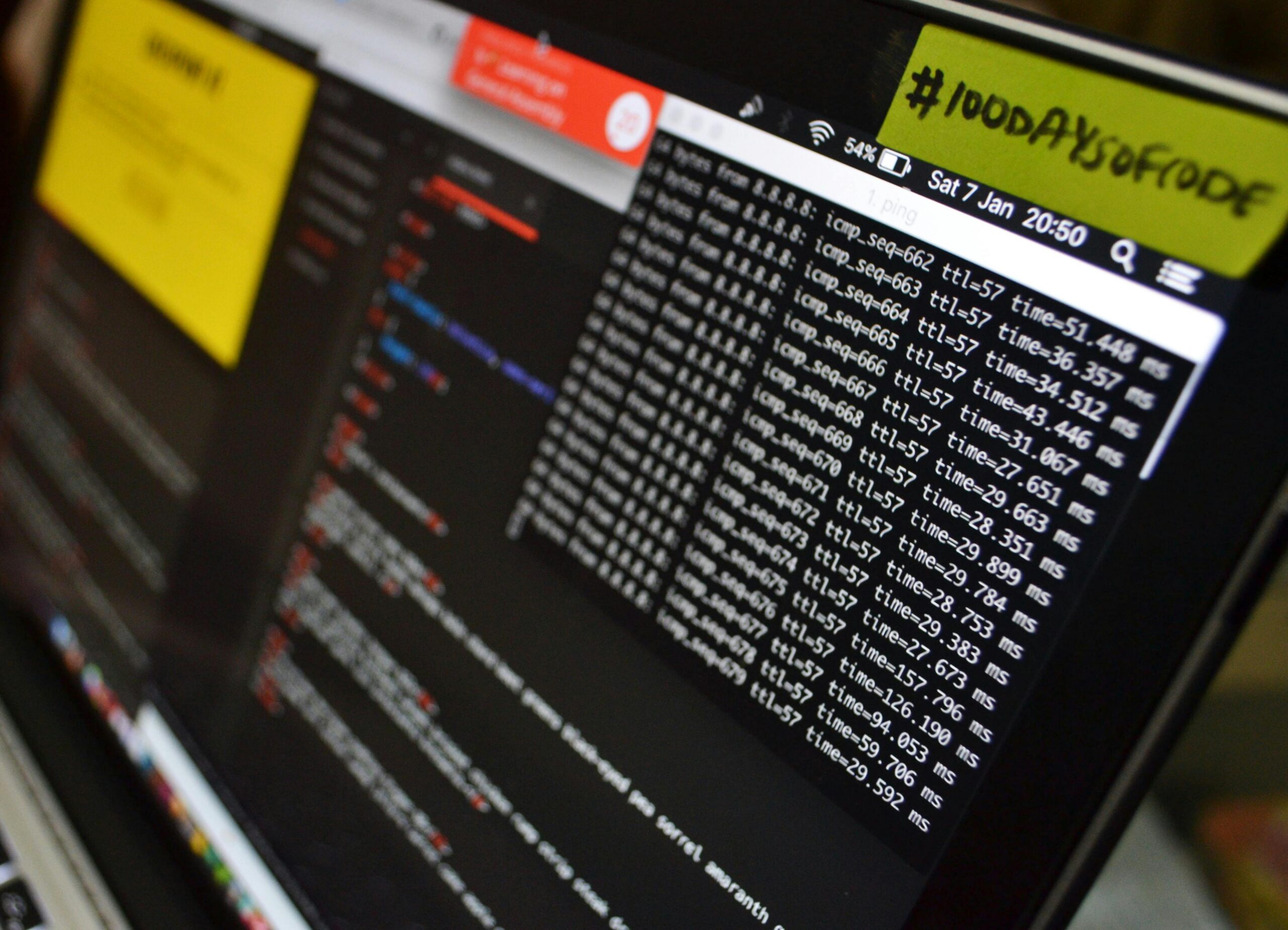
11. Internet vs Computer Speed
If you’re wondering ‘Why is my computer slow?’, the issue might not be your computer at all—it could be your internet connection.
Slow-loading websites or streaming problems are often caused by network-related issues rather than hardware performance.
Common causes include:
- Weak Wi-Fi signal
- Network congestion
- A slow internet plan
Testing your internet speed can help you identify the real problem and determine whether it’s your device or your connection.
How to Improve a Slow Computer
If you’re asking ‘Why is my computer slow?’, the good news is that there are several simple actions you can take to improve performance.
Here are quick ways to speed up your computer:
- Restart your computer
- Close unused programs
- Update your system
- Clean up unnecessary files
- Check for malware
- Upgrade RAM or storage if needed
Even small improvements can make a big difference, helping your computer run faster, smoother, and more efficiently.
Want to learn more about who we are and how we help users improve their devices? Visit our About page to discover our mission, expertise, and commitment to providing reliable tech solutions and performance tips.
Final Thoughts
If you’ve been asking ‘Why is my computer slow?’, the answer is often a combination of small issues rather than one major problem.
By understanding the most common causes and taking simple steps, you can significantly improve your device’s performance and make it feel faster again.
If your computer is still slow after trying these solutions, it may be time to consider upgrading to a device that better fits your needs and delivers improved speed, efficiency, and reliability.